Microsoft Update Affecting Some CC Windows Installations
A recent Microsoft Update is affecting some CC Windows installations. If you see the following screen when you start CC Windows your computer is affected: –
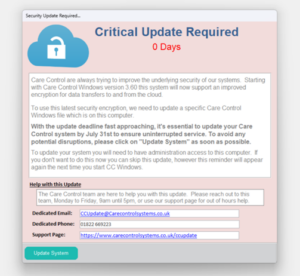
To correct this problem please follow these instructions.
- Close CC Windows. You can do this by either right clicking on the icon and selecting close, rebooting your computer or using Task Manager.
- Navigate to the C:\CareControl\FrontEnd folder in Windows Explorer: –

- Find the file CareControl.accdb and delete it: –

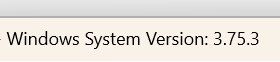
4. Double Click the CC Windows Icon. When Care Control starts you should be on version 3.75.3: –